
Step by step
- In your current tracker, find its export (usually Settings › Export, and usually a CSV emailed to you).
- Save the file to your iPhone — the Files app, or straight from the mail attachment.
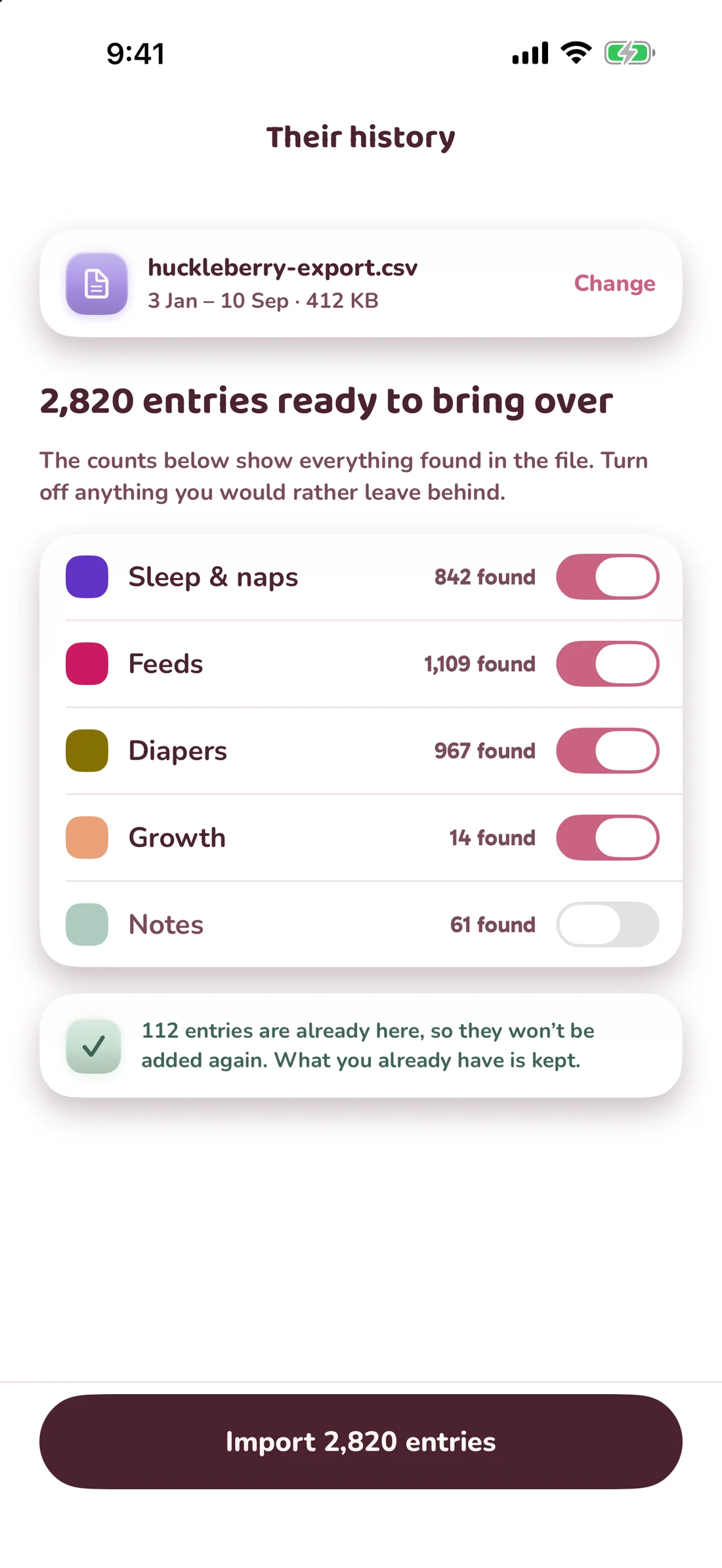
- In Our Baby Day, open the import screen, pick the app you came from, and choose the file.
- Check the receipt. Every import is a batch with a count of what it created, and “remove this import” takes exactly that batch back out.
What comes across
Feeds, sleep, diapers, pumping, solids and growth measurements, with their original times. Entries from an import are marked in History, so you can always tell them apart from what you logged live. Anything the file does not contain cannot be invented — if your old app never exported a field, it is not in the file.
One thing worth knowing first
Almost every file is read on your phone. When a file is in a shape the phone cannot make sense of, it is sent to our server to be parsed — that is the one time an import leaves the device, it is named on the app’s own Privacy & data screen, and it is written up in the privacy policy. If you would rather it never left, do not use the fallback.