
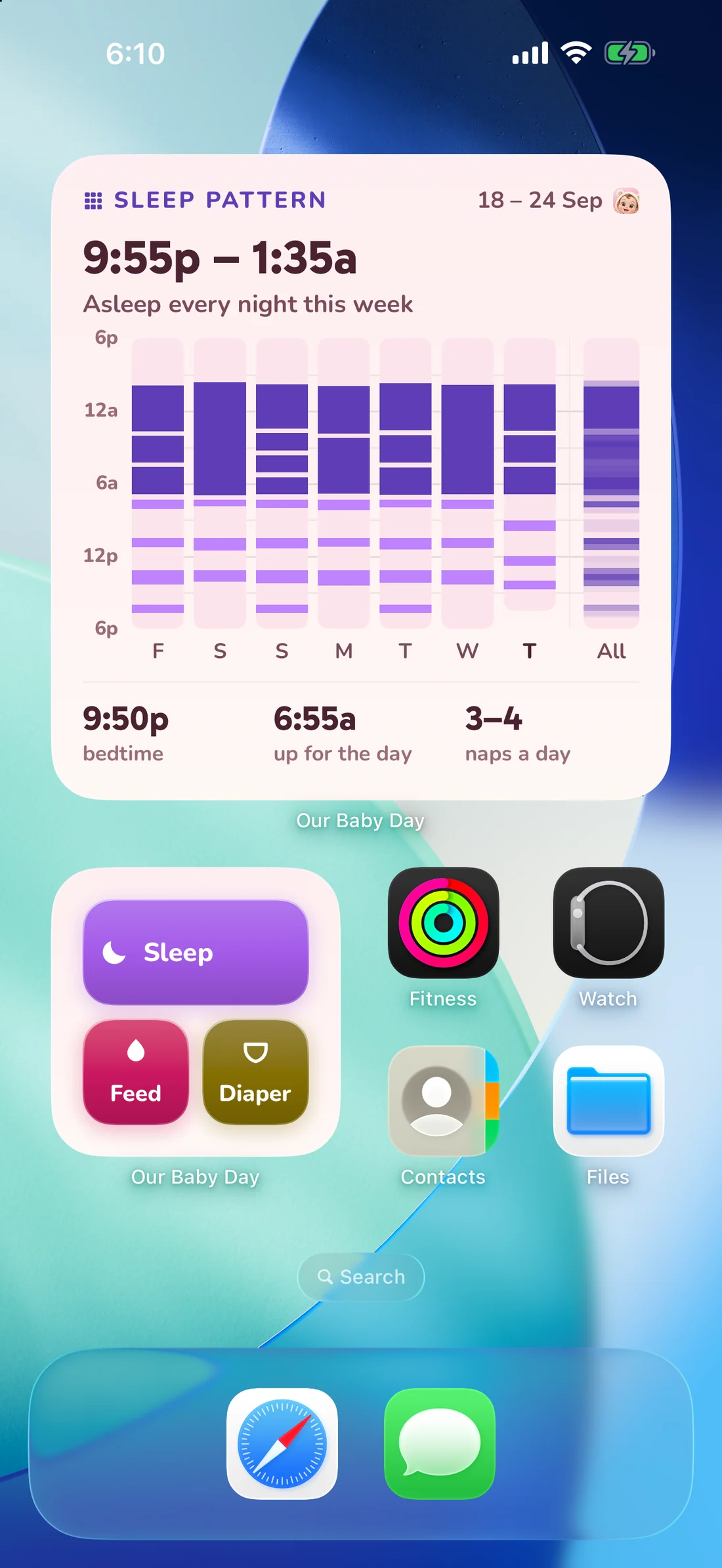
The four ways, and when each one wins
- Home Screen widget. A quick log you arrange yourself: pick the entries you make most and they become buttons. Best for the daytime rhythm, because it is already on the screen you unlock into.
- Lock Screen widget and Live Activity. A running feed or nap shows its timer on the Lock Screen and in the Dynamic Island, and keeps running after you close the app. Best at 3am, when you never fully wake up.
- Control Center. Sleep, Feed and Diaper as buttons, one swipe from anywhere — including from inside another app.
- Siri. Start and end a timer by voice, which is the only one of the four that works with a baby in both arms.
What happens to a tap made on the Lock Screen
It is a real entry, immediately: it lands in the same timeline as everything you log inside the app, it counts towards her day, and on a shared family it is on your partner’s widget within seconds. Nothing is queued up waiting for you to open the app and confirm it. If you tapped the wrong button, open the entry and correct it — including the start time.
If you would rather not add a widget
The app itself opens on a quick-log panel you arrange the same way, so the first screen after launch is already the buttons. And anything you forgot to start can be logged after the fact — see how to log a feed you forgot to start.