
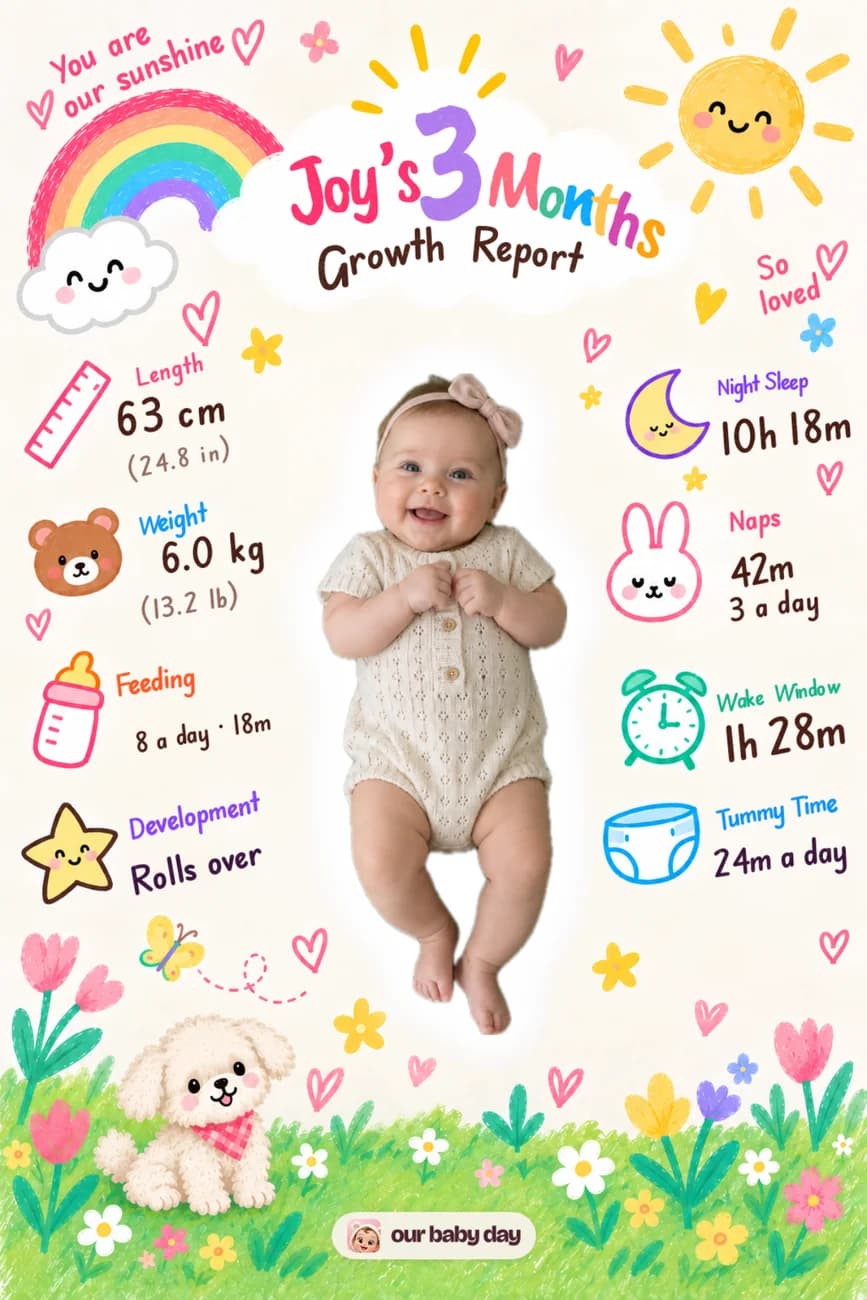
From photo to finished card
- Open the month card on Today or in Her first year.
- Add a photo and let the app prepare the card.
- Choose a look, then review the finished picture.
- Save it to Photos, send it in Messages, or share it to Stories.
What goes on the card
The numbers are drawn from the care you logged: feeds, nights, naps, wake windows, tummy time and recent growth measurements when there is enough data. A First can appear too. Each card records those facts when you make it, so logging another feed next week does not rewrite the keepsake you already shared. If a category is still too sparse to describe her usual day, that detail simply stays off the card.
Choose how much to share
The share screen has a “Show baby’s name” switch. Turn it off for a card going beyond family, or keep it on for a personal message. Saving the picture gives you a copy to share later; the card also remains in Her first year inside the app. For the full picture of how your baby’s records are handled, read the privacy policy.