
A baby tracker for twins

The short answer

Our Baby Day keeps twins as two separate babies with two separate records, and puts both on your Home Screen. Each twin gets her own widget, and a tap on it logs for that twin — you do not have to switch the app over first, which is the mistake every twin parent makes at 4am.

Inside the app you switch between them in one tap, and everything downstream stays separate: their own timelines, their own charts, their own growth curves and their own nap forecasts. What you share is the family, the caregivers and the subscription.

Download on the App Store

The widget knows which twin it is for, so a half-asleep tap cannot file a feed against the wrong baby.

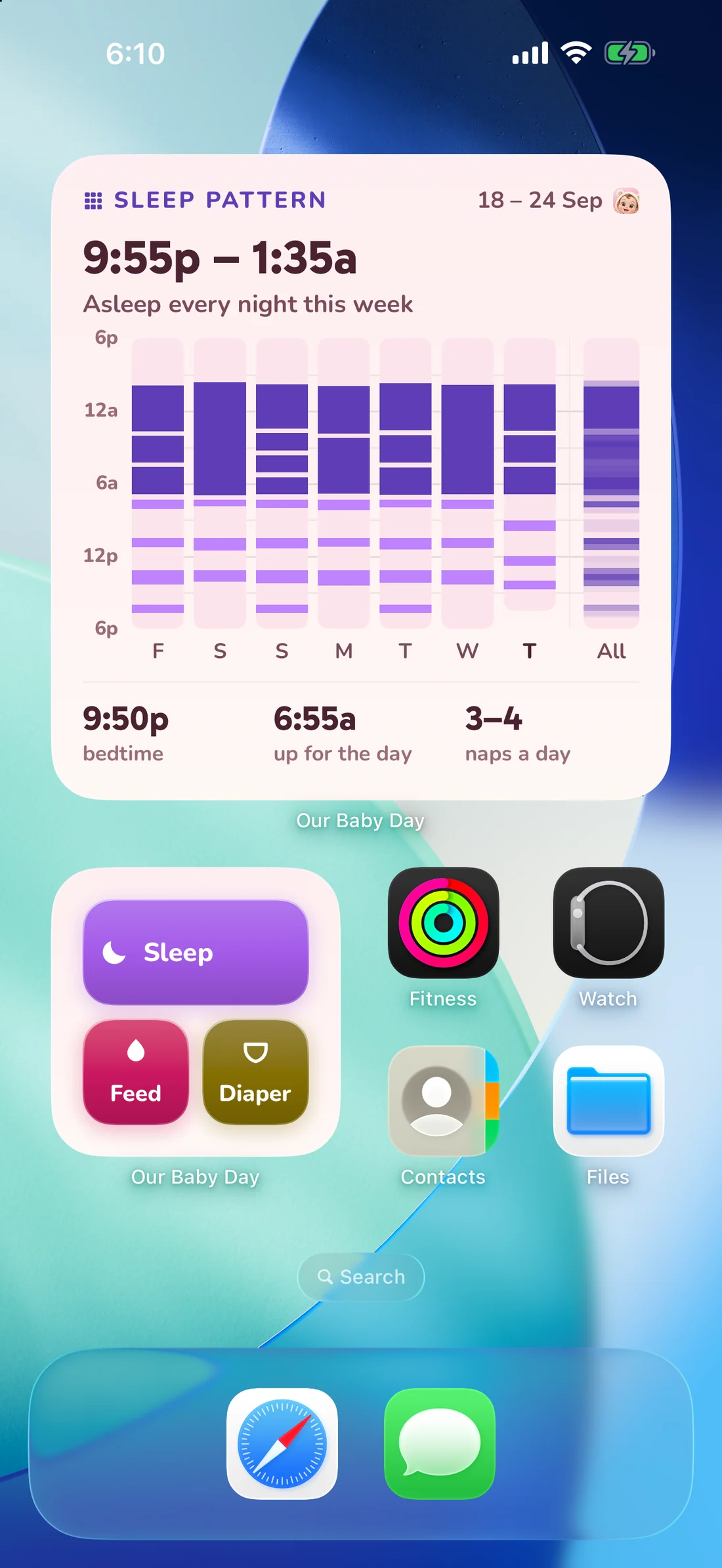
Home Screen widgets with one-tap Sleep, Feed and Diaper buttons
One widget per twin. Each one logs for its own baby, whichever one the app was last showing.

Why the widget detail matters

With twins the expensive mistake is not forgetting to log, it is logging against the wrong baby and then having to unpick two timelines to find it. Each widget carries its own baby, so the button you press is the baby you meant. Inside the app the same thing is true of the quick-log panel: it logs for whoever is on screen, and the switch between them is one tap at the top.

Two babies, two sets of patterns

Nothing is averaged across them. Each twin gets her own night score, her own weekly digest, her own sleep and feed charts, and her own nap forecast computed from her own last fourteen days — which matters, because twins famously refuse to be on the same schedule. Growth is per baby too, with a full chart for each of them.

Both parents, one log

Twins usually mean two adults on shift. A six-character invite code puts both of you on the same records, each entry carries the initial of whoever logged it, and everyone's widgets update within seconds — see sharing with a partner. One subscription covers the family, not per baby and not per phone.

Questions people ask

Is there an extra charge for a second baby?
No. A family can have more than one baby, and one subscription covers the whole family — however many babies and however many phones.
Can I see both twins on one screen?
The day view belongs to one baby at a time, and switching is a tap. On the Home Screen you can have both widgets side by side.
Can I log for one twin while a timer runs for the other?
Yes. Each baby has her own running timers, so a nap for one and a feed for the other can be going at the same time.

Keep reading

Try it on your own baby’s day

7 days free on the yearly plan, no ads, optional analytics, and no account needed to log.

Download on the App Store